- FC SYSTEM
FC for Fixed Wing
GPS
RTK Kit
12C Boards
Ultrasonic Sensor
Digital Video
Transmission Adapter Board
Flight Controller(Mission Planner)
NEW
- RECEIVER
Receivers - compatible with AT10II, AT10, AT9S Pro, AT9S, AT9
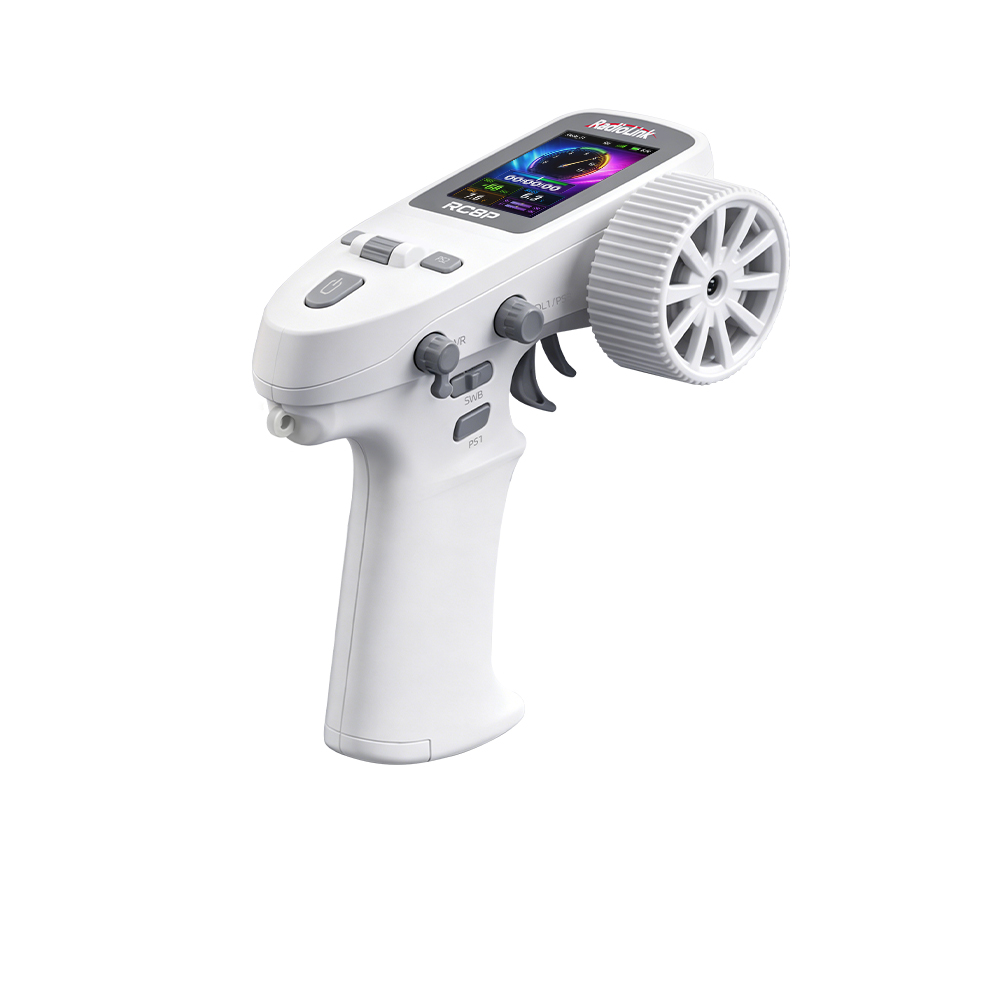
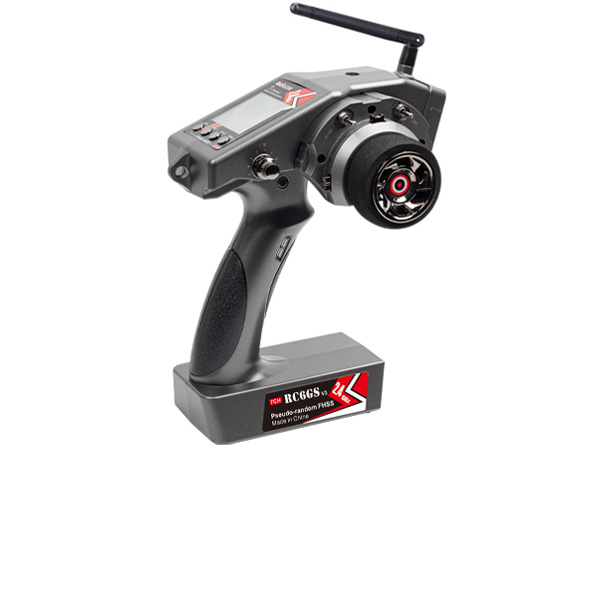
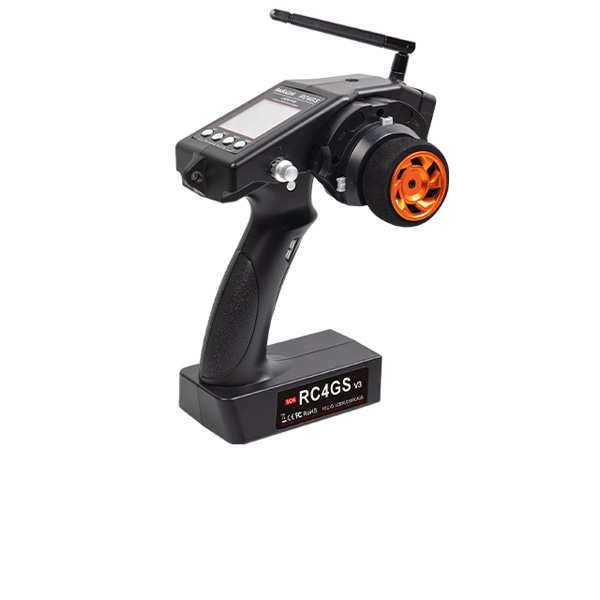
Receivers - T16D, T12D, T8FB, T8S; RC8X, RC8P, RC6GS V3, RC4GS V3, RC6GS V2, RC6GS, RC4GS V2, RC4GS
Telemetry Module
ELRS Receiver
NEW




 简体中文
 English

Blog
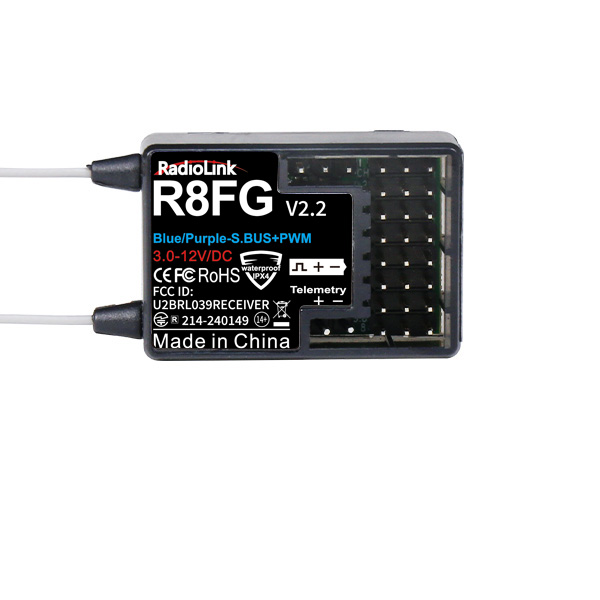
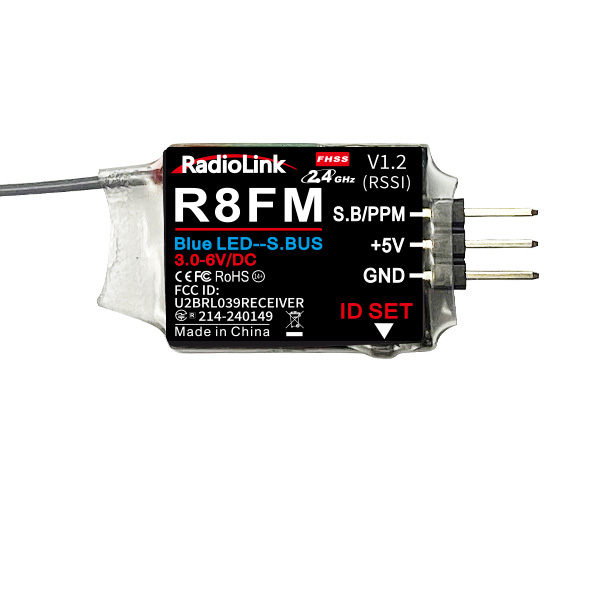
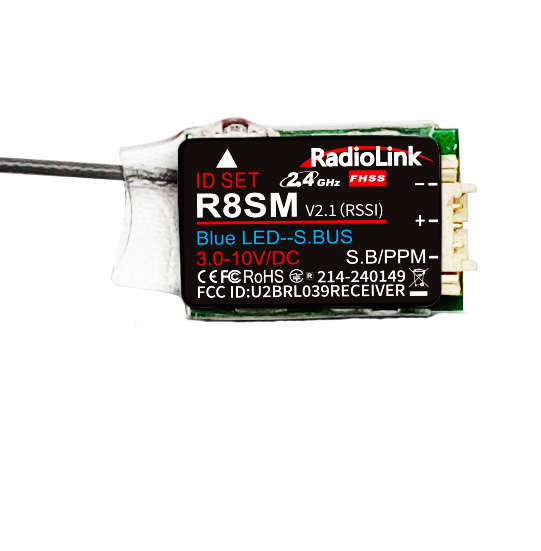
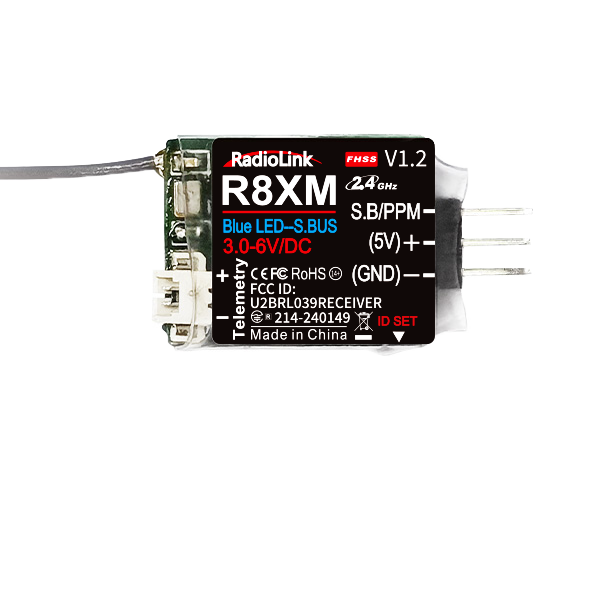
How to output RSSI value from receiver to FPV
Step 1:Download the latest firmware and upgrade via the below link
http://radiolink.com.cn/doce/at9upgrade.html
Step 2: Enter the setup menu and choose “AUX-CH”

Step 3: Enter and choose the channel you don’t use and change to RSSI. Take CH10 for example

Step 4: When transmitter param. Setup is done, connect your fight controller with your computer.
Step 5: Choose the receiver tab and power on your AT9S. Constantly change the distance between your AT9S and aircraft to check which channel of flight controller is changing greatly. Mine is CH6.

Step 7. Add the RSSI value on video signal: Choose “OSD Screen added display” on the flight controller interface, turn on ”RSSI Value” and drag it to the place you want and save.