- FC SYSTEM
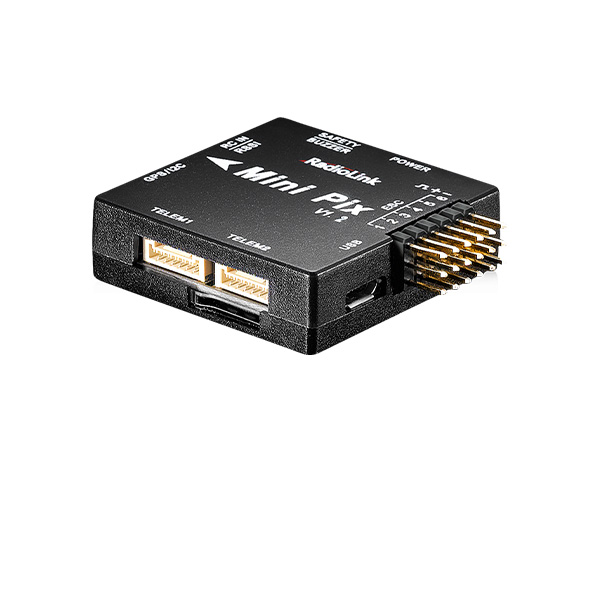
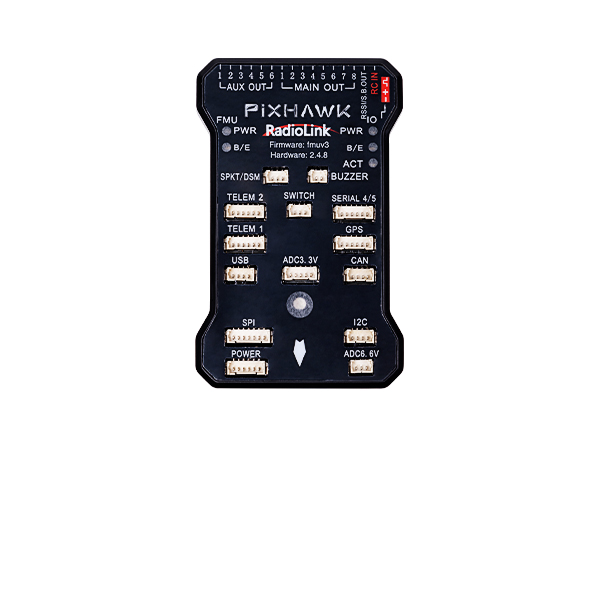
FC for Fixed Wing
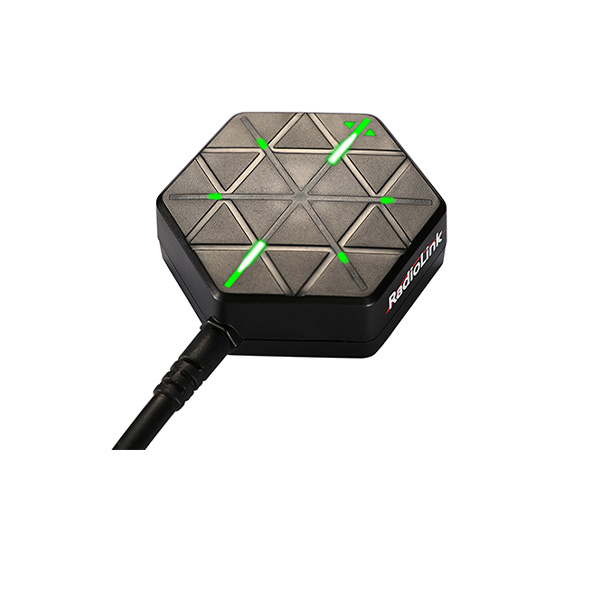
GPS
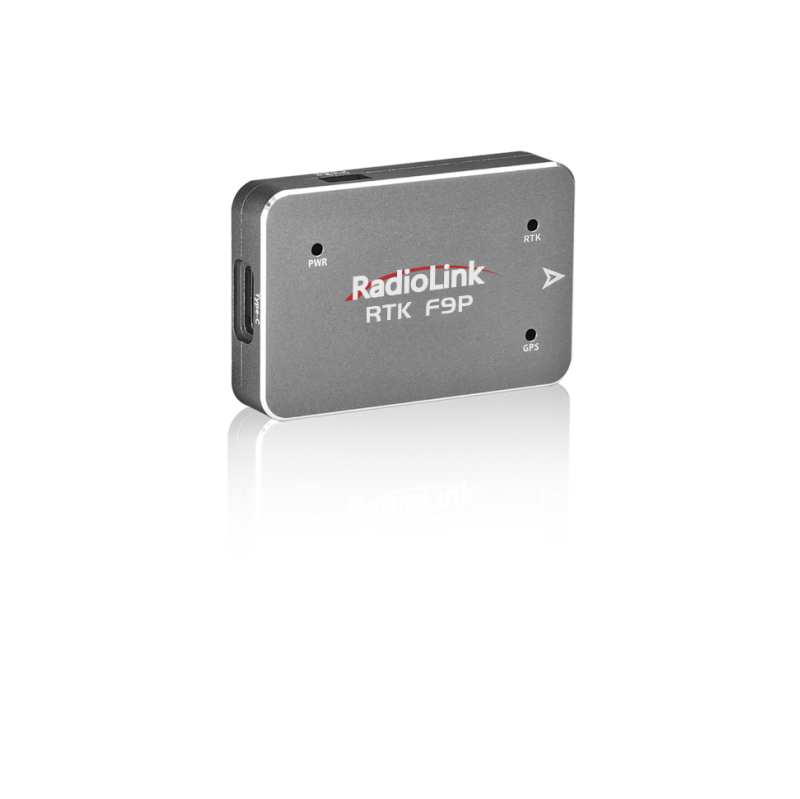
RTK Kit
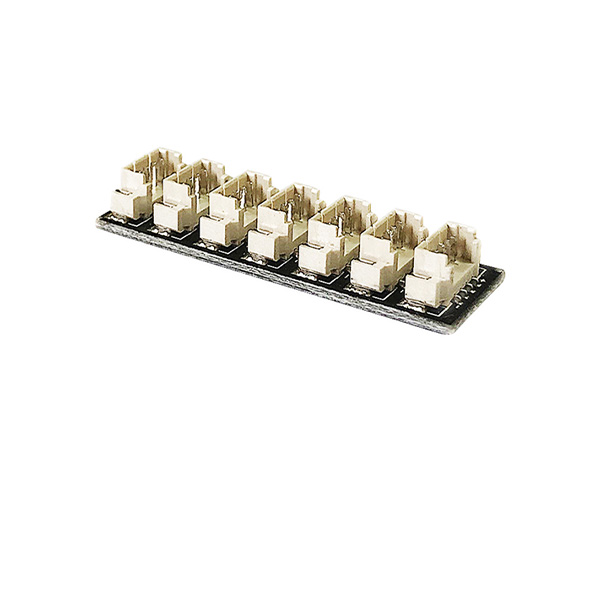
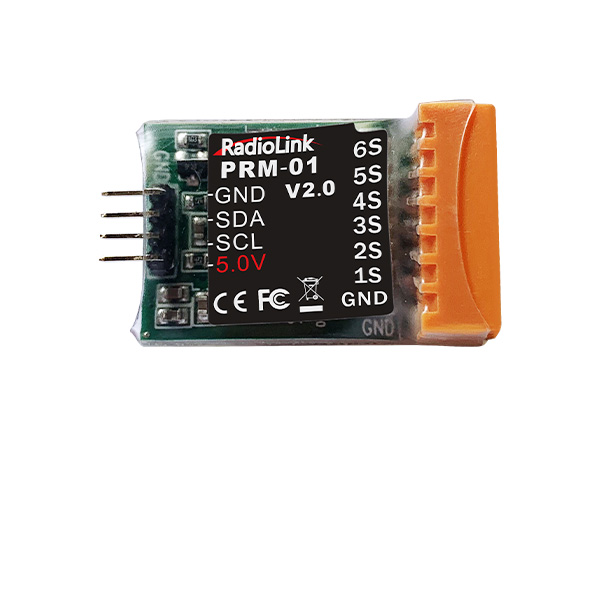
12C Boards
Ultrasonic Sensor
Digital Video
Transmission Adapter Board
Flight Controller(Mission Planner)
NEW
- RECEIVER
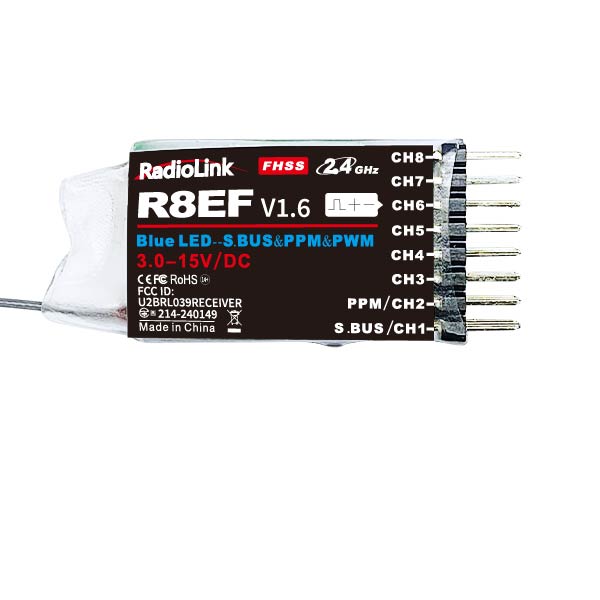
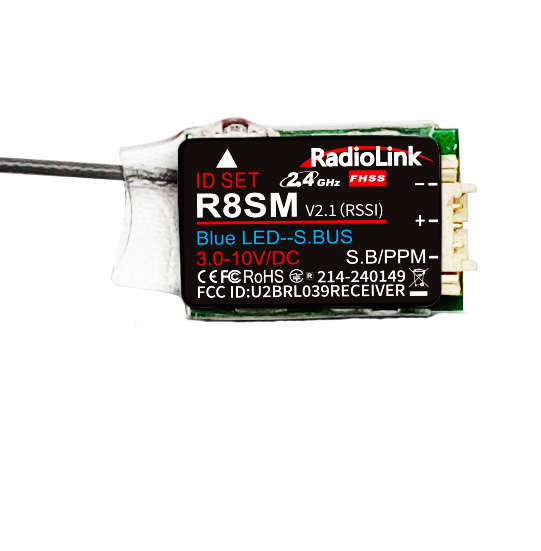
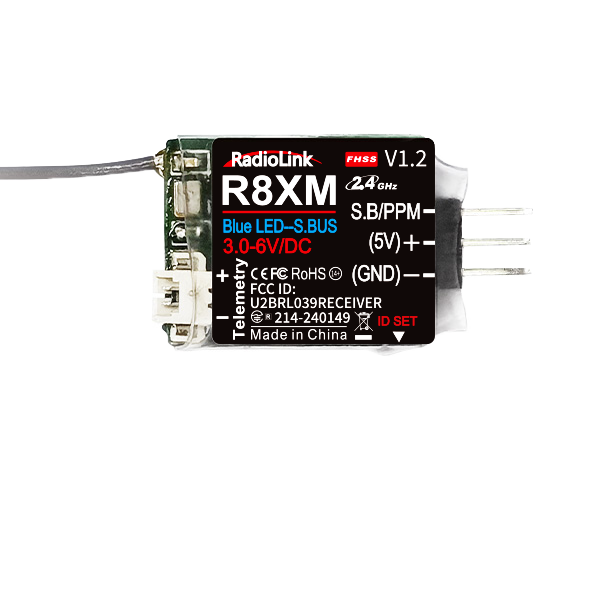
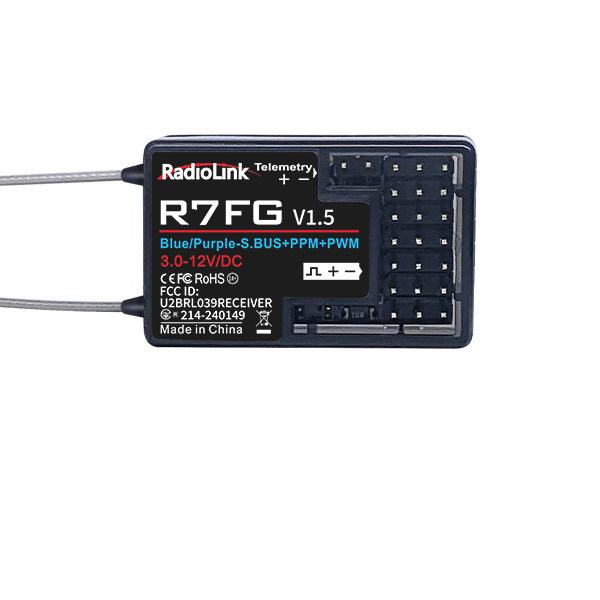
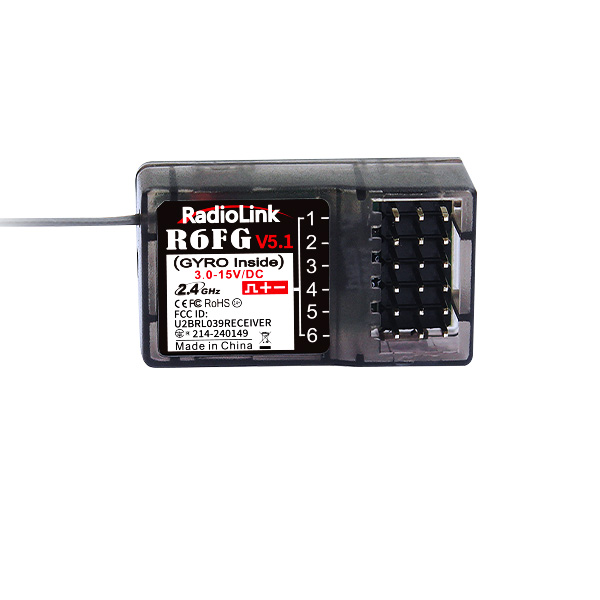
Receivers - compatible with AT10II, AT10, AT9S Pro, AT9S, AT9
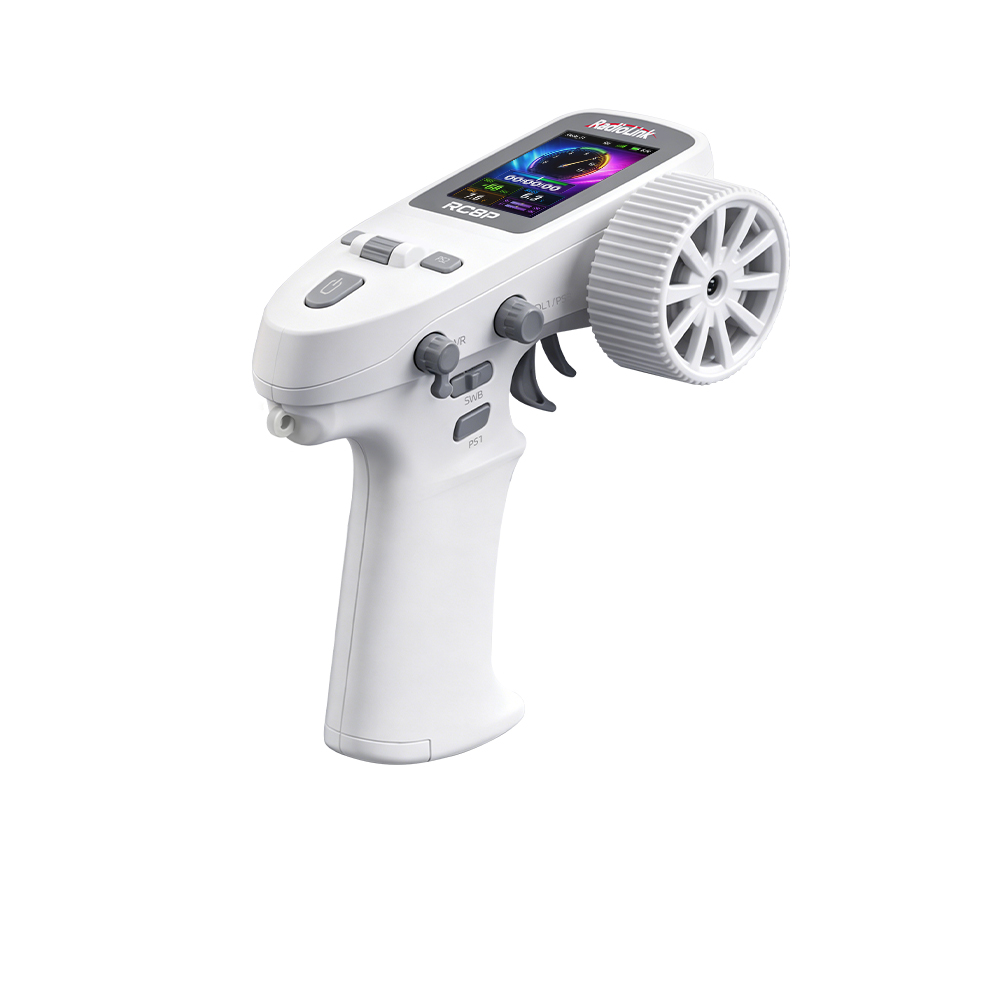
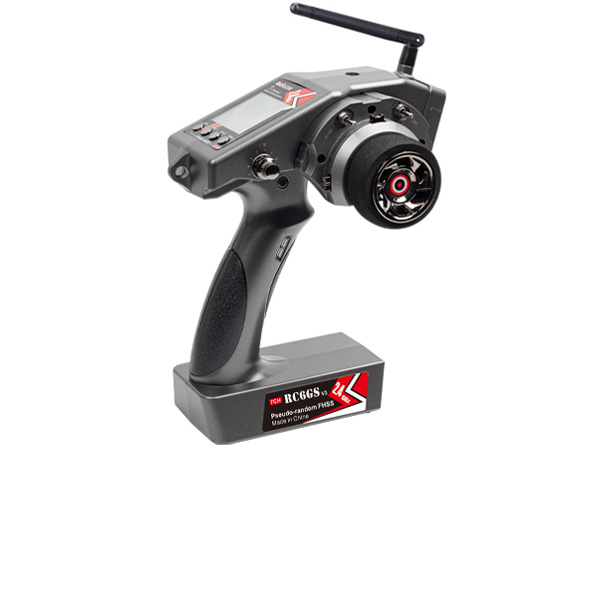
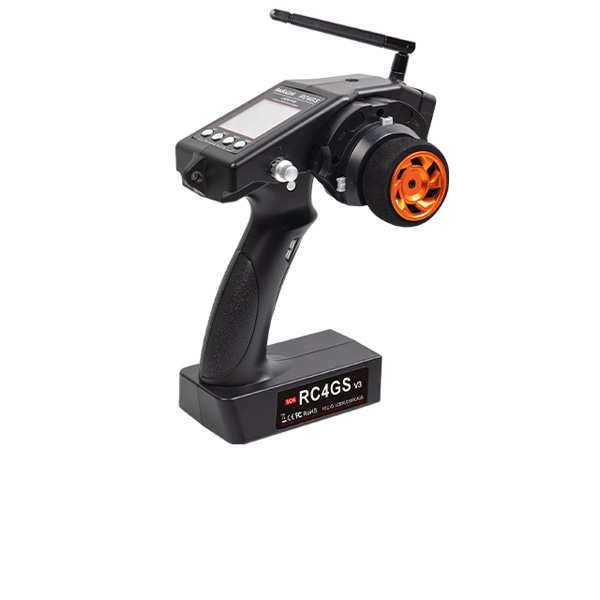
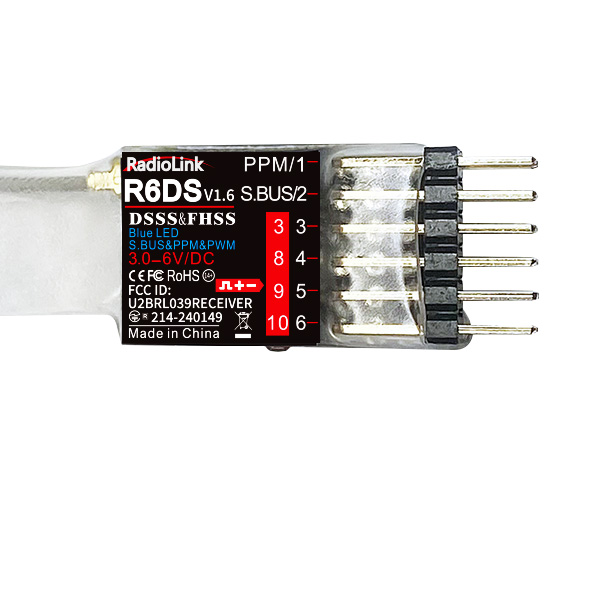
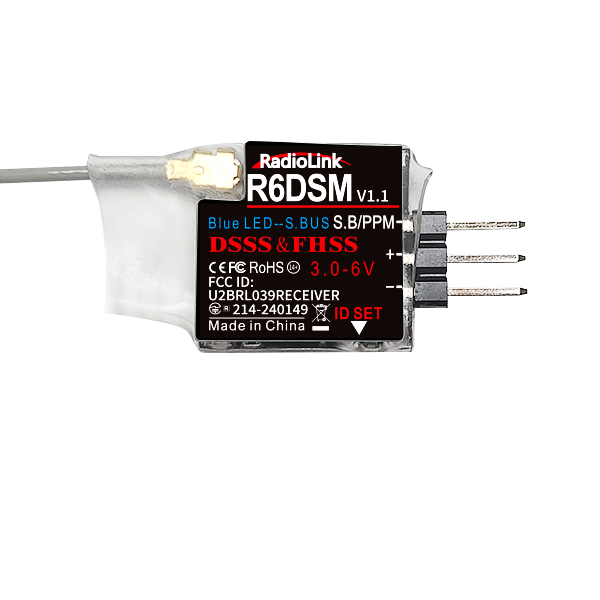
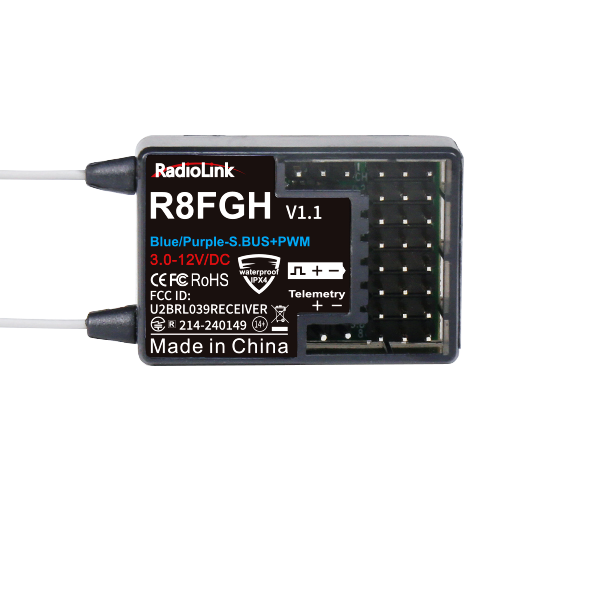
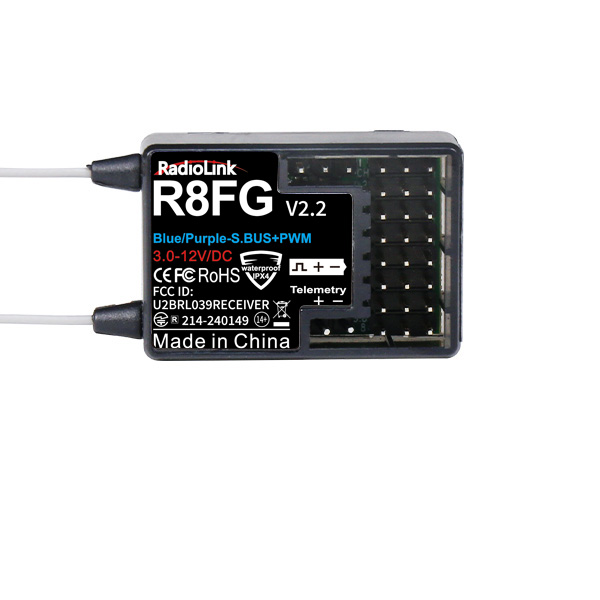
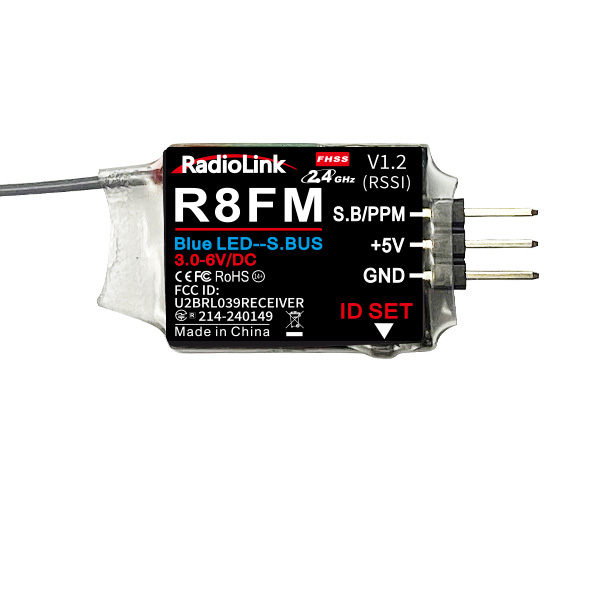
Receivers - T16D, T12D, T8FB, T8S; RC8X, RC8P, RC6GS V3, RC4GS V3, RC6GS V2, RC6GS, RC4GS V2, RC4GS
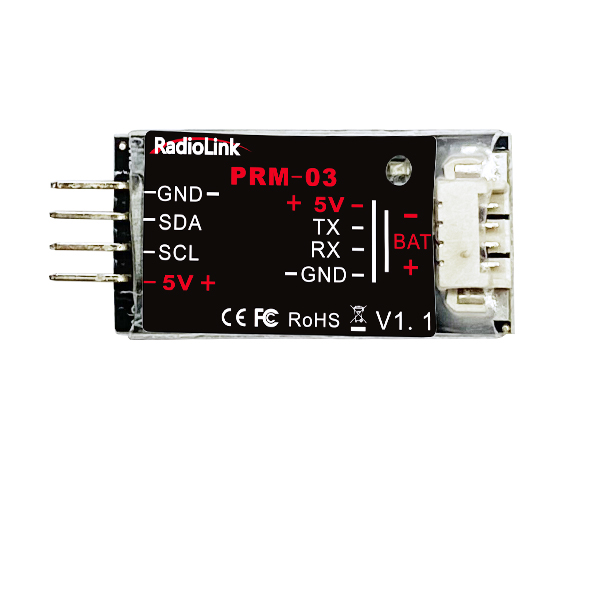
Telemetry Module
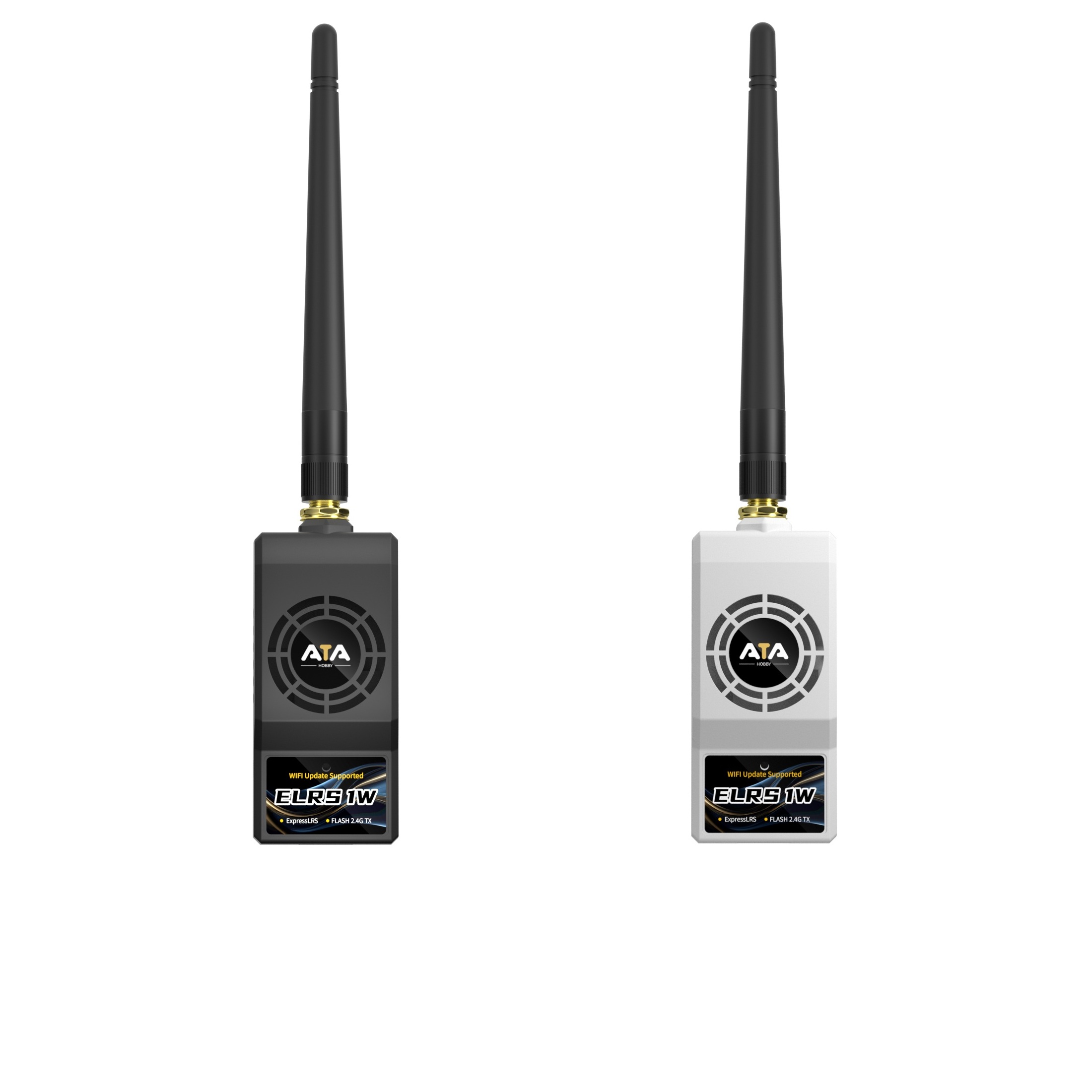
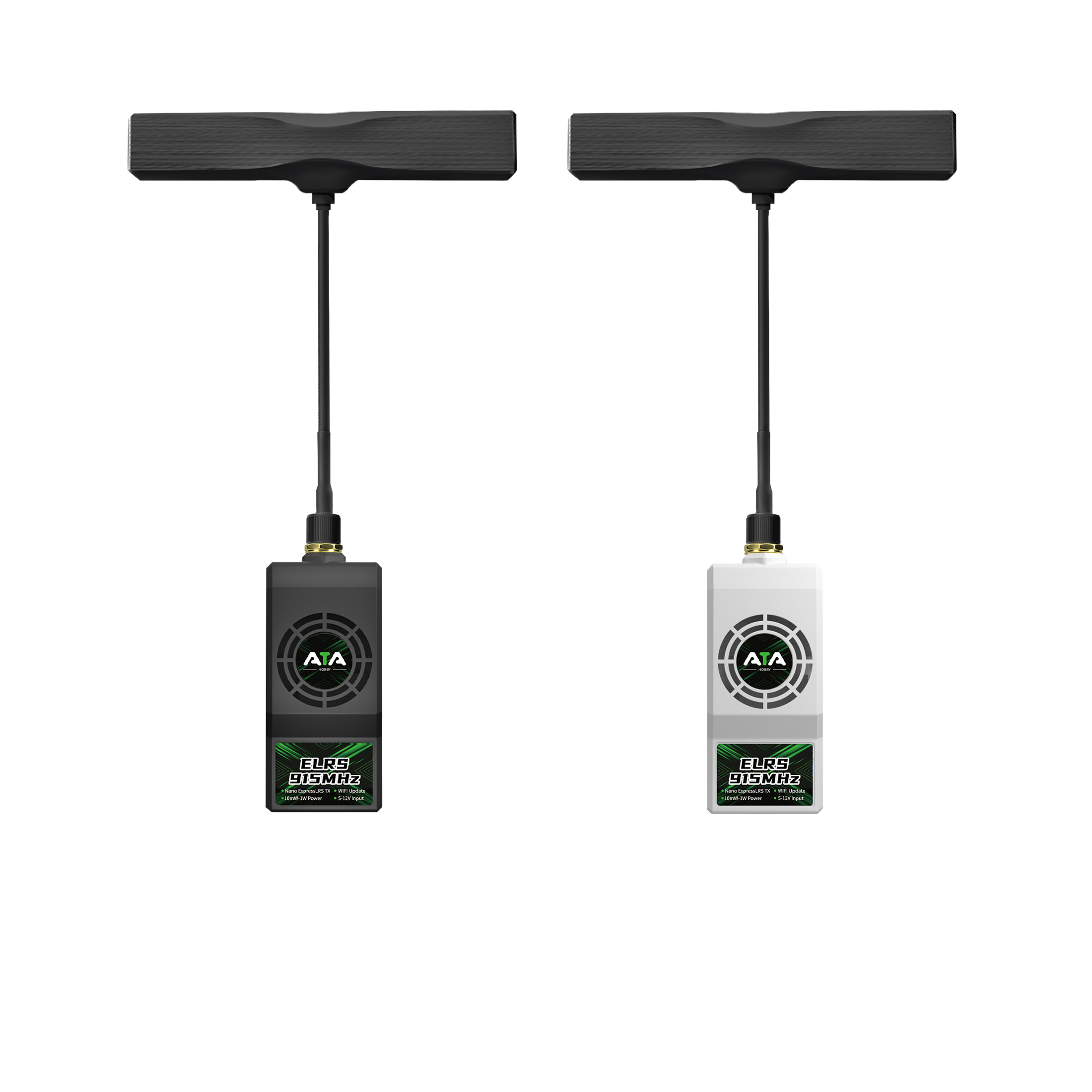
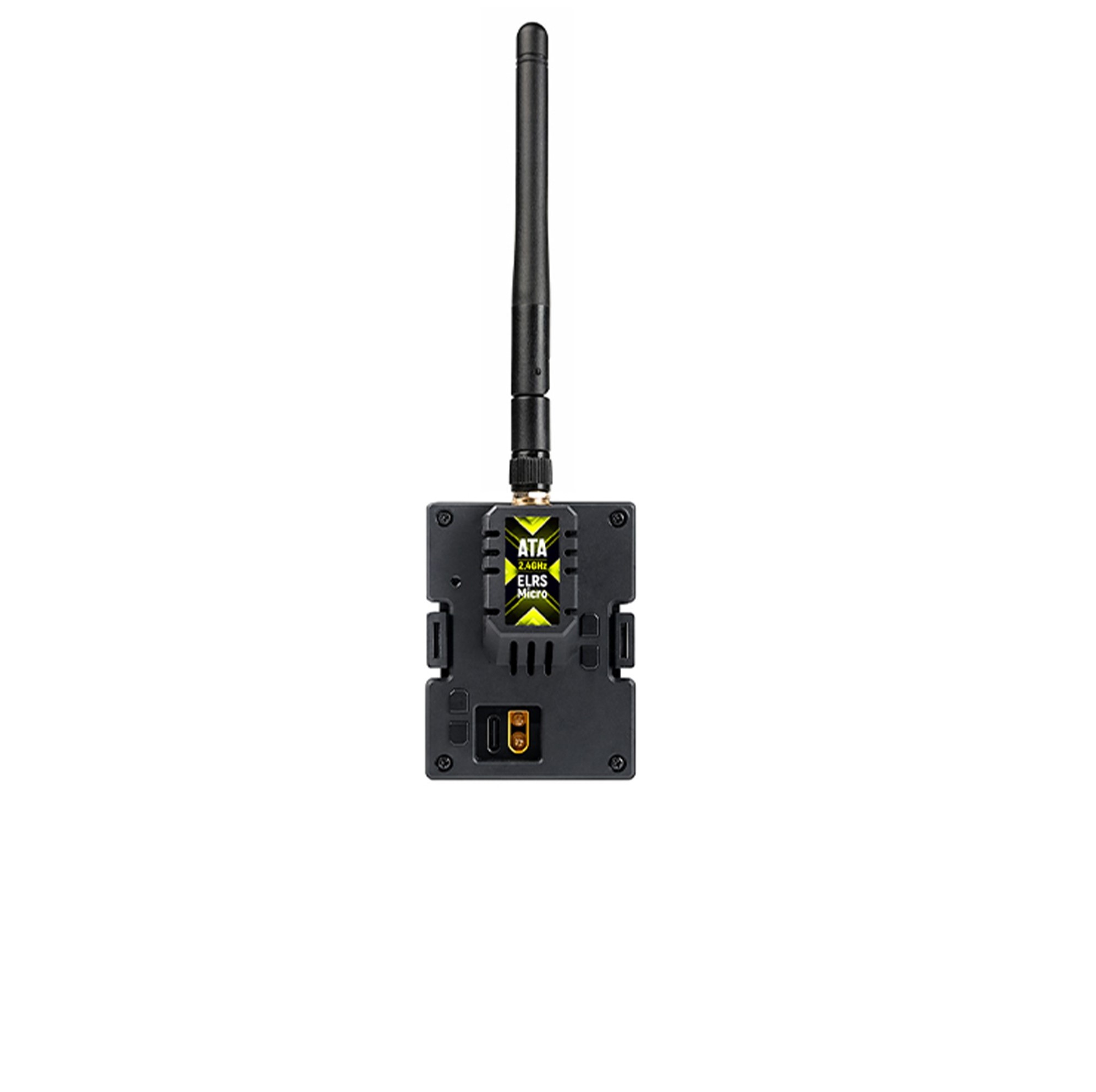
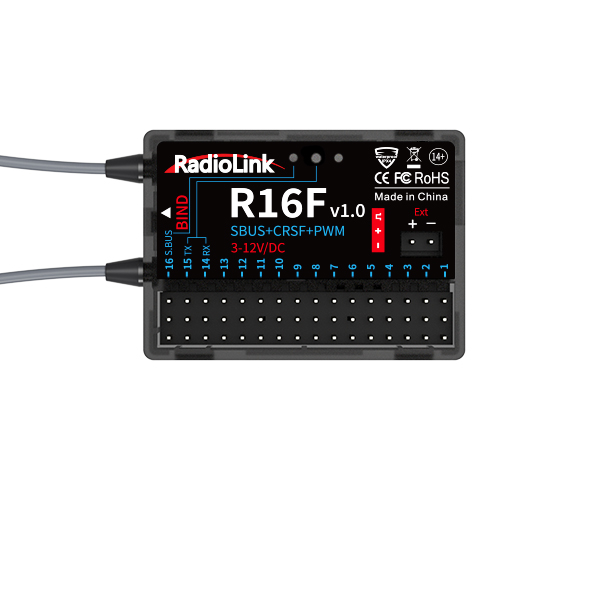
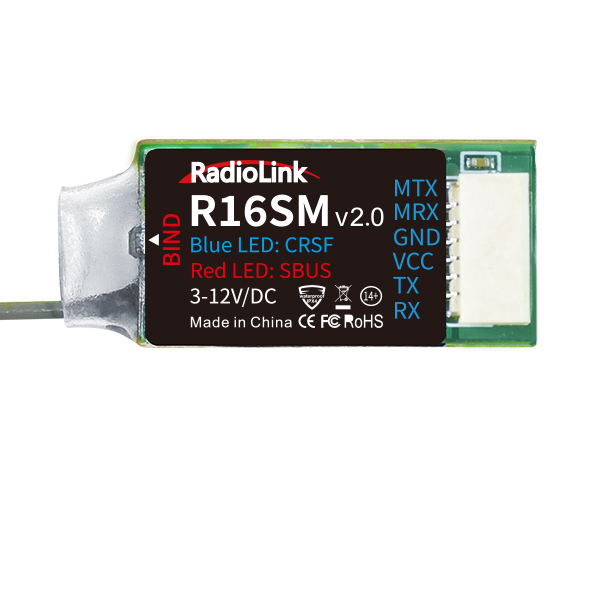
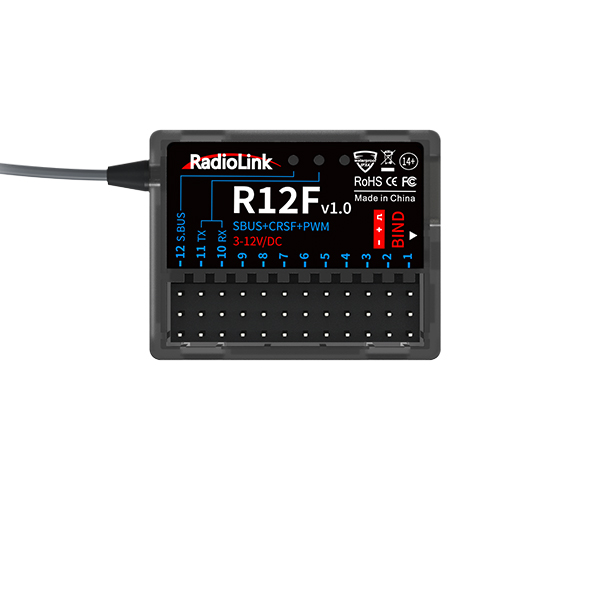
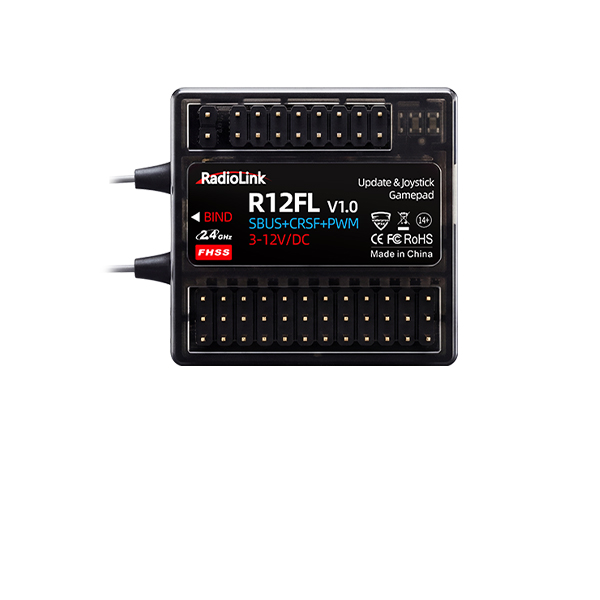
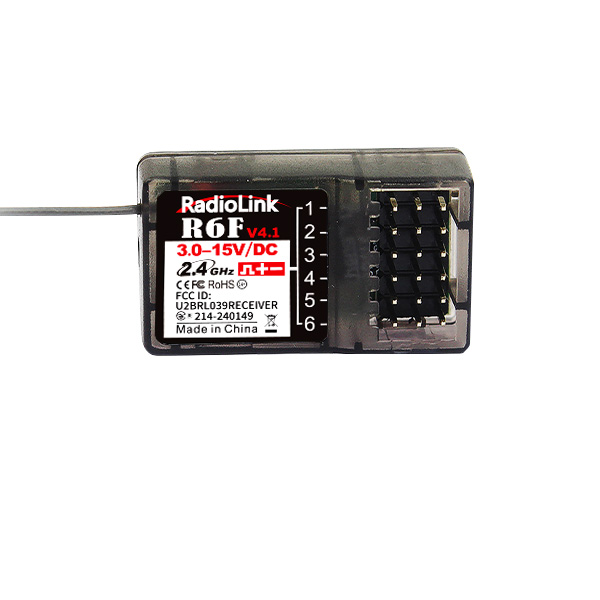
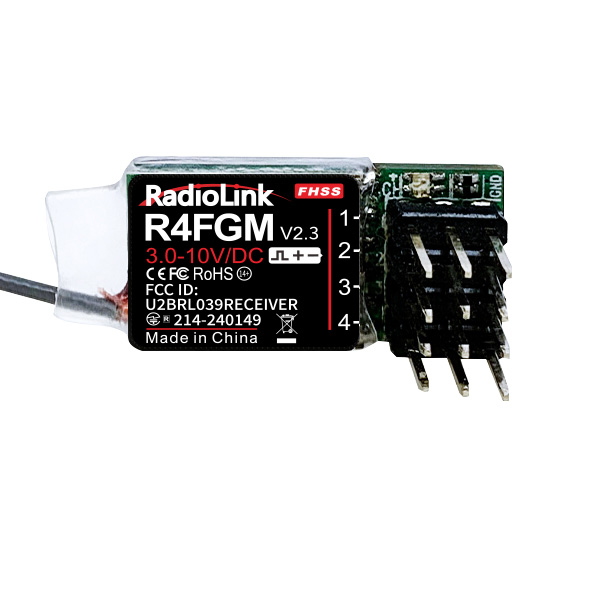
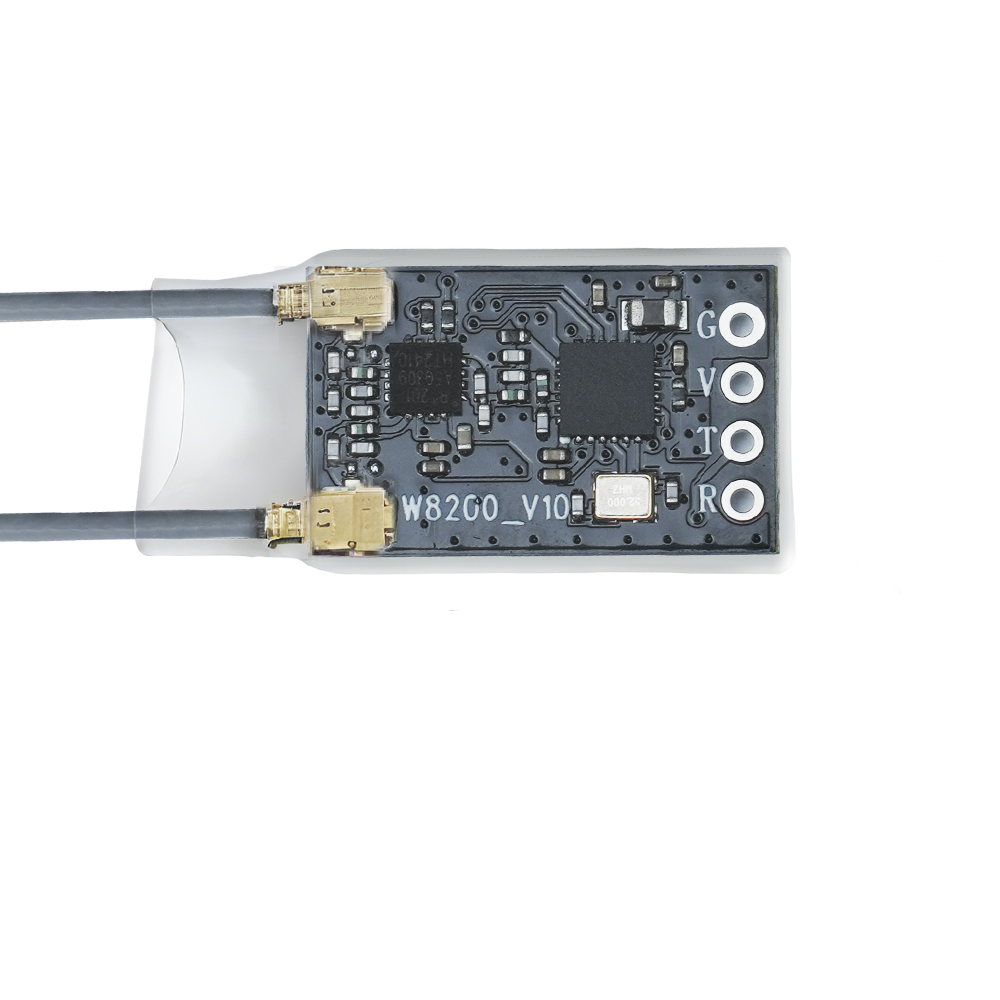
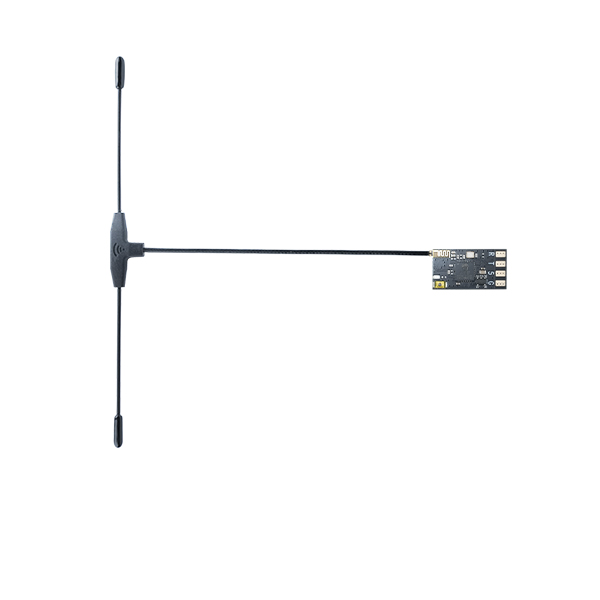
ELRS Receiver
NEW


 简体中文
 English
M435 FAQ
Q: How to extend the flight time of M435?
Q: How to extend the flight time of M435?
A: M435 comes with a 6S lipo battery, which can be replaced with a 6S lipo battery of larger capacity.
Note: the larger the capacity, the heavier the battery. Users can use the appropriate battery according to their needs.
Q: Walksnail Avatar HD Pro Kit cannot be bound to Walksnail AVATAR HD goggles. Why?
Q: Walksnail Avatar HD Pro Kit cannot be bound to Walksnail AVATAR HD goggles. Why?
A: Because the firmware version of Walksnail Avatar HD Pro Kit is too low. Please update its firmware by following the below steps:
- Please go to the official website to download the upgrade firmware. Avatar_Sky_X.X.X.img is the VTX file. Copy to VTX U disk (VTX needs power supply), be careful not to change the file name.
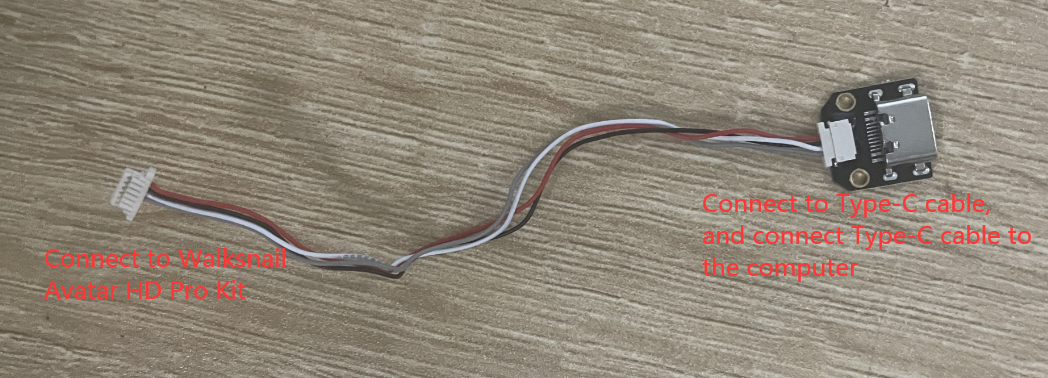
- Connect the power supply to M435, and connect Walksnail Avatar HD Pro Kit to the computer via a firmware update cable. The computer will pop out the disk of the kit. Copy the upgrade file to the root directory of the VTX U disk. (If there are old firmware files, please delete them).
- Press and hold the VTX linking button for 8 seconds, and release the button after the indicator light goes out. At this time, the VTX will automatically restart and enter the upgrade state, and the indicator light will change from blinking red to solid red and then turn off. The upgrade time is about 20 seconds, please do not power off during the upgrade process! (If the VTX continues to light up red, it means that the firmware cannot be detected or the firmware is wrong, please check the firmware file).
- After the upgrade is successful, the VTX indicator turns green and blinks.
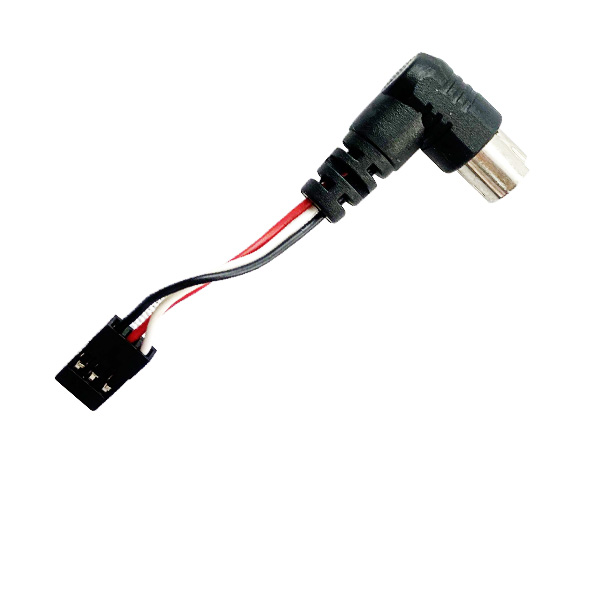
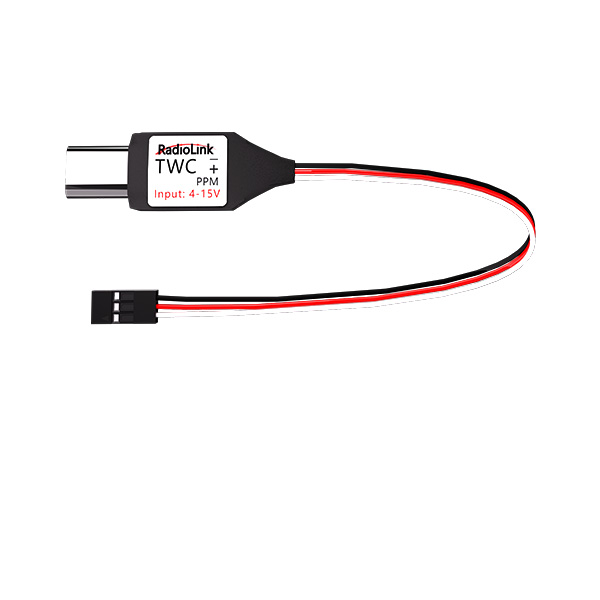
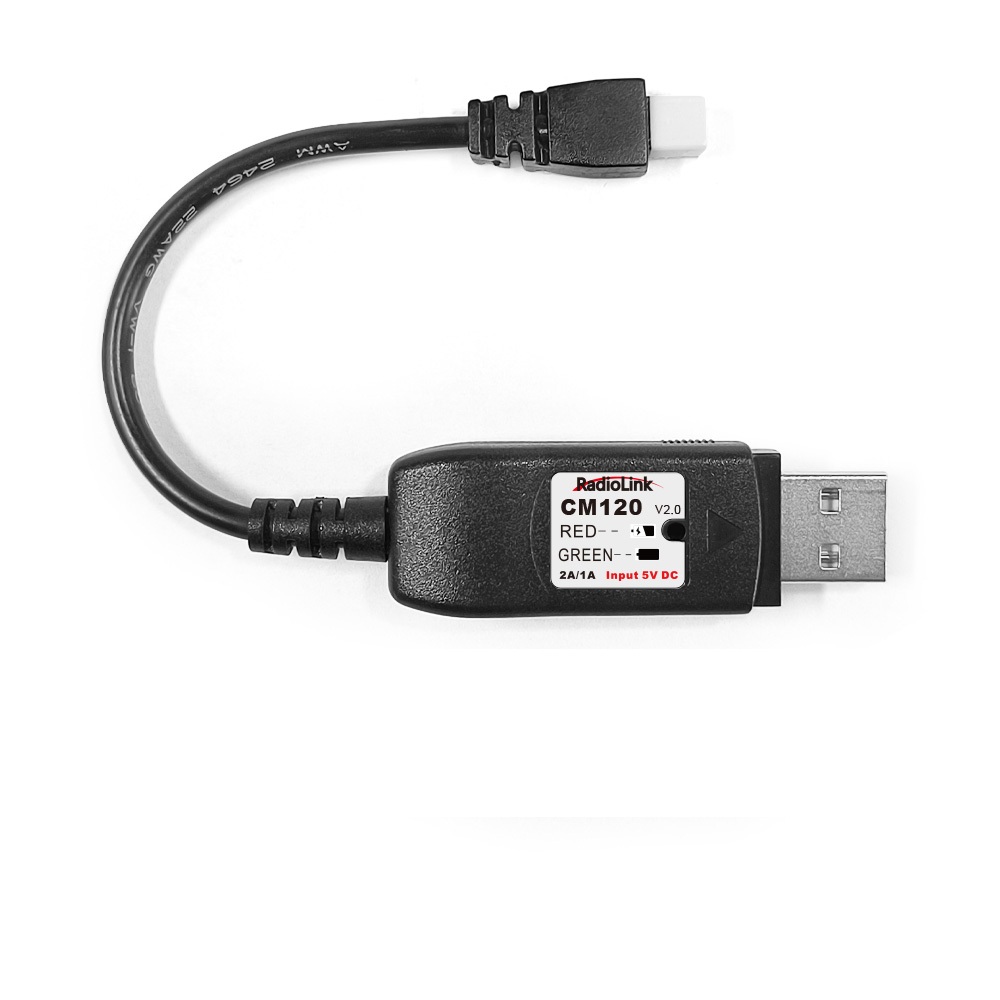
Note: Please prepare the below firmware update cable:
O:l have the M435 HD FPV RTF kit. The flight speed and other OsD (On-Screen Display) information do not appear on the FpV monitor or the Walksnail goggles. How to fixit?
O:l have the M435 HD FPV RTF kit. The flight speed and other OsD (On-Screen Display) information do not appear on the FpV monitor or the Walksnail goggles. How to fixit?
A: If OSD information is missing or incomplete, or if the Walksnail video transmitter and goggles fail to pair, please update the firmware of the Walksnail Avatar HD Pro Kit and the goggles to the latest version. The procedure for updating the firmware is provided below. For further details, please refer to the manual of M435:
https://www.radiolink.com/en/m435_manual
Firmware Upgrade for Walksnail Avatar HD Pro Kit:
Please go to the official website to download the upgrade firmware. Avatar_Sky_X.X.X.img is the VTX file. Copy to VTX U disk (VTX needs power supply), be careful not to change the file name.
- Copy the upgrade file to the root directory of the VTX U disk, connect the power supply and wait for the device to start up (If there are old firmware files, please delete them).
- Press and hold the VTX linking button for 8 seconds, and release the button after the indicator light goes out. At this time, the VTX will automatically restart and enter the upgrade state, and the indicator light will change from blinking red to solid red and then turn off. The upgrade time is about 20 seconds, please do not power off during the upgrade process! (If the VTX continues to light up red, it means that the firmware cannot be detected or the firmware is wrong, please check the firmware file).
- After the upgrade is successful, the VTX indicator turns green and blinks.
Firmware Upgrade for Walksnail goggles:
Please go to the official website to download the upgrade firmware, AvatarX_Gnd_X.X.X.img is the Goggles file, copy it to the SD card, be careful not to change the file name.
1. Copy the upgrade file to the root directory of the SD card, connect to the power supply and wait for the device to initialize (delete the old firmware file first if there in one).
2. Press and hold the link button on the Goggles for 8 seconds, and the Goggles automatically restart and emit a beep...beep...beeper sound.
(Do not power off during the upgrade process, the upgrade time on the goggle is about 6 minutes)
3. After the upgrade is successful, and the beeping sound stops after the Goggles beeps for 5 seconds.