Guide to Online Flashing INAV Firmware for RadioLink F722 Flight Controller
Note: The ground station version must match the flight controller firmware version; otherwise, the ground station will fail to connect and configure parameters.
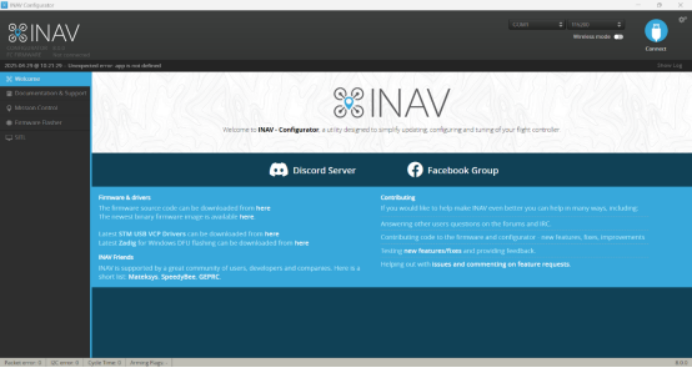
1.Launch the INAV Ground Station.
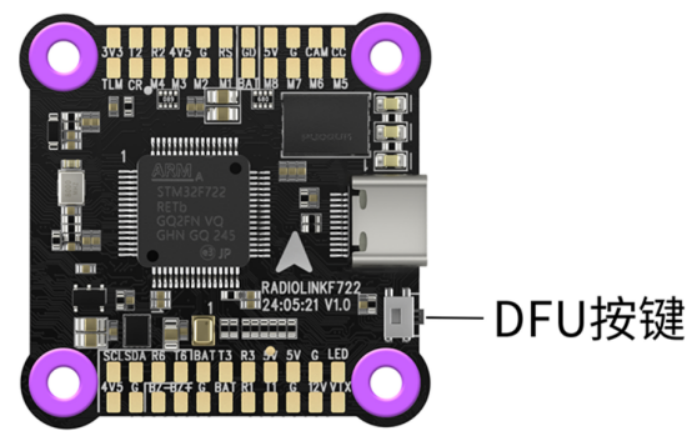
2.Hold down the DFU button on the flight controller, then connect the controller to your PC via a Type-C cable. The flight controller will enter DFU mode and be recognized by the ground station.
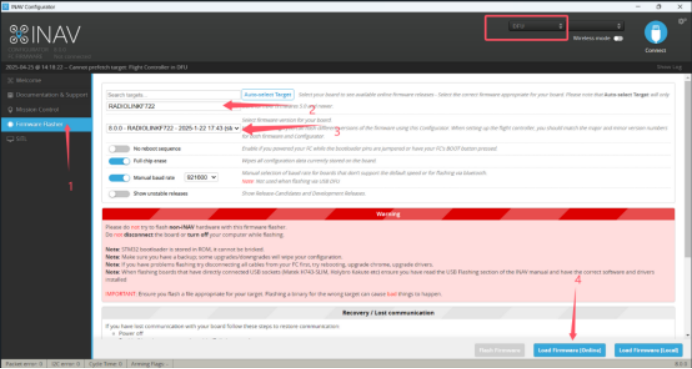
3.Navigate to the firmware flashing page in INAV Ground Station (see mark 1 in the figure).
4.Select RadioLink F722 as the flight controller board (see mark 2 in the figure).
5.Choose firmware version 8.0.0 (see mark 3 in the figure).
6.Click the Load Firmware Online button (see mark 4 in the figure) to start downloading the firmware.
7.Once the download completes, click the Flash Firmware button as shown in the figure.
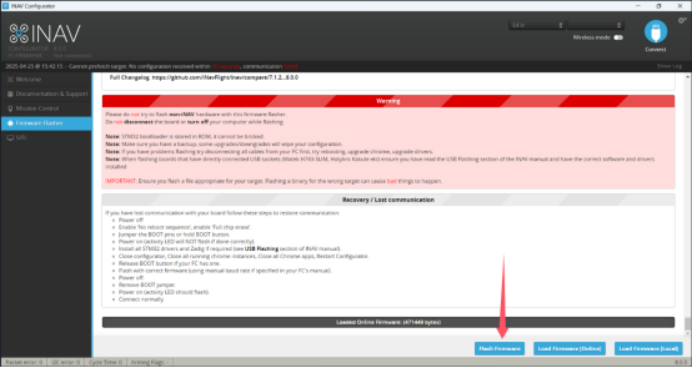
The firmware flashing process will begin.
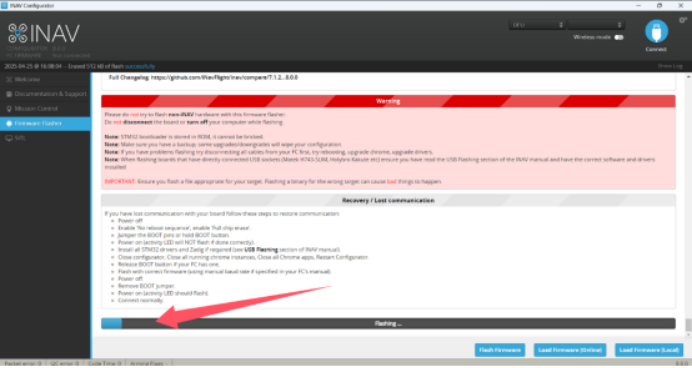
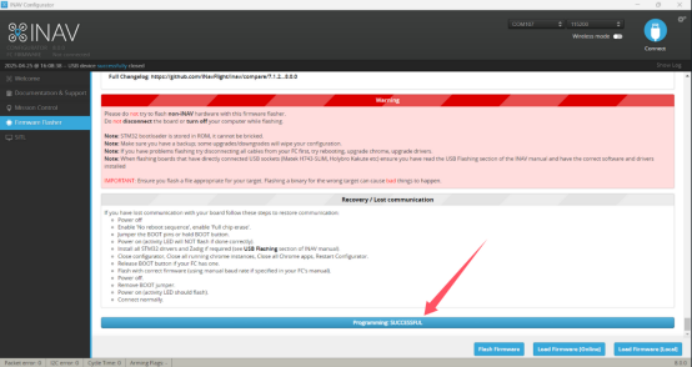
Flashing is finished successfully.