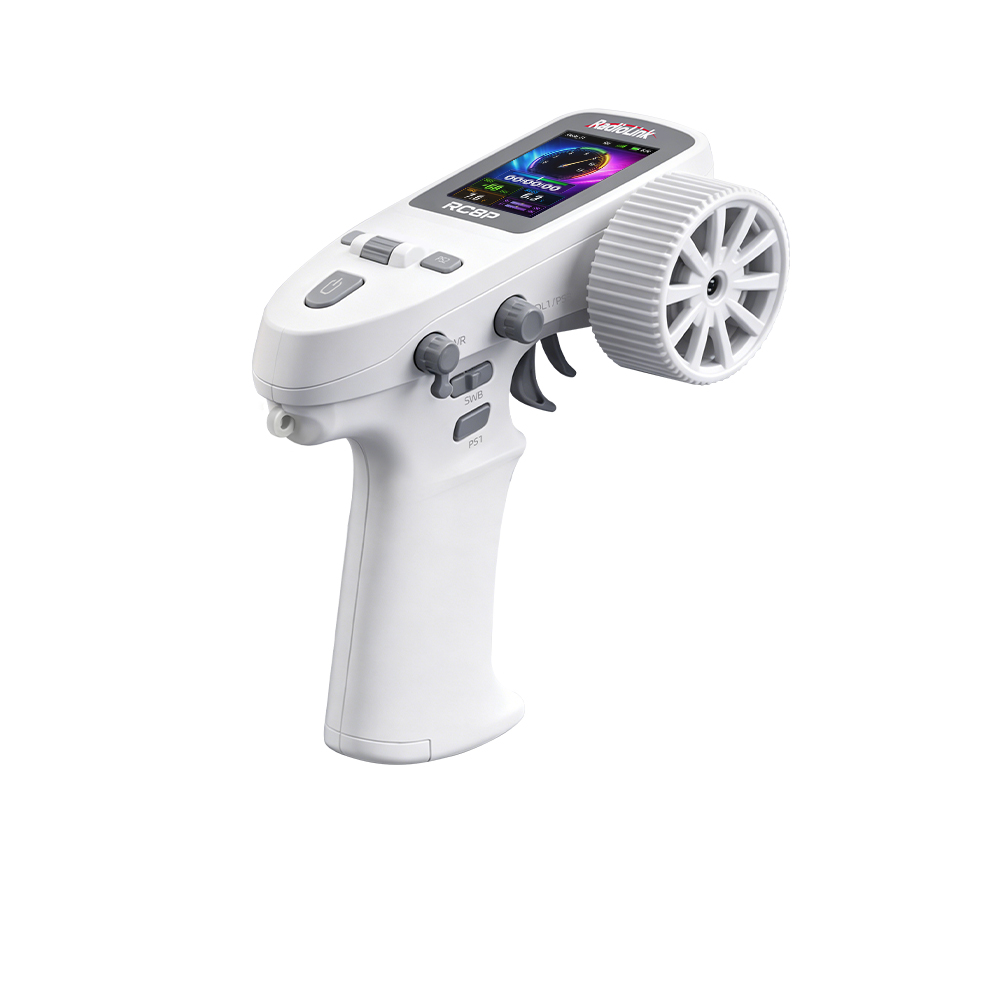
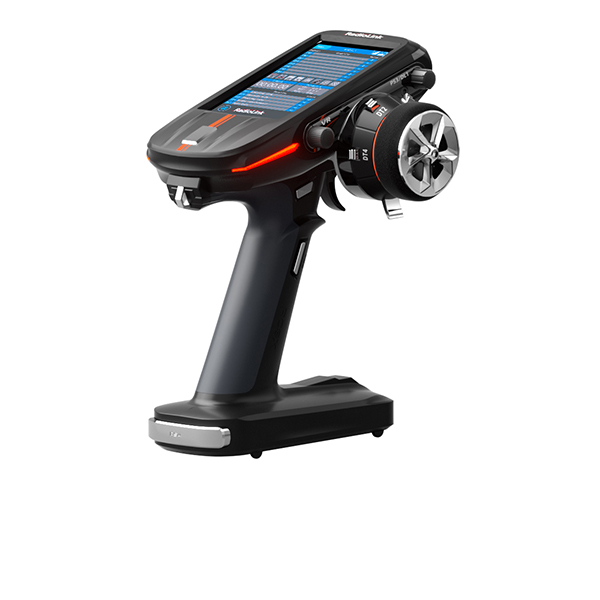
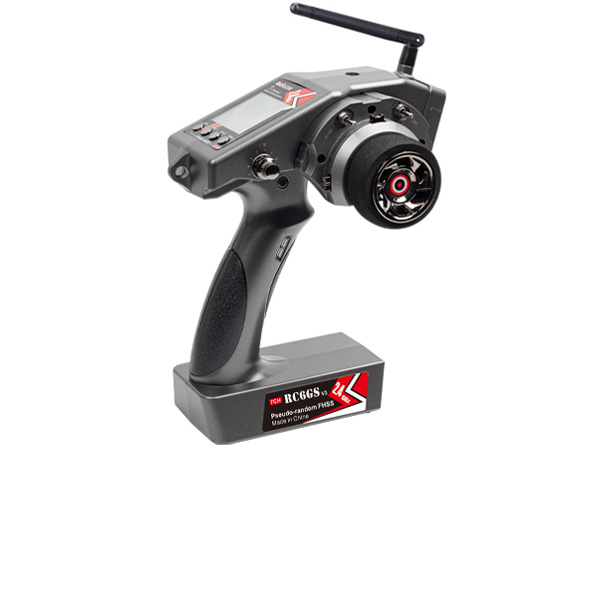
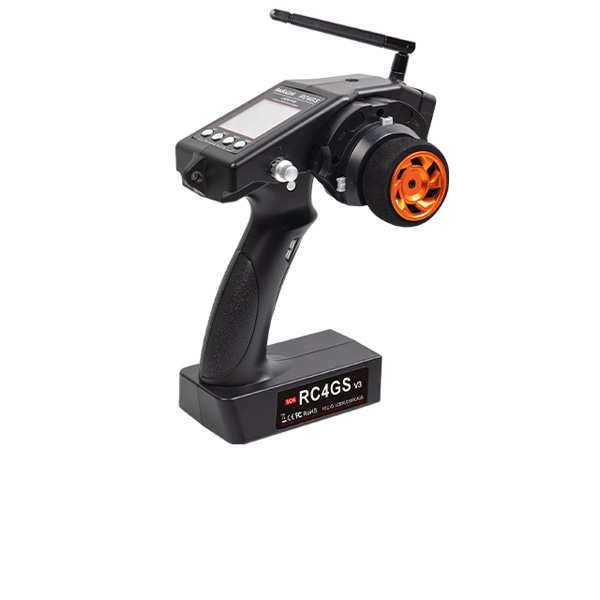




RC8P Firmware V1.0.5.zip
417.17 KB

FC for Fixed Wing
GPS
RTK Kit
12C Boards
Ultrasonic Sensor
Digital Video
Transmission Adapter Board
Flight Controller(Mission Planner)
NEW
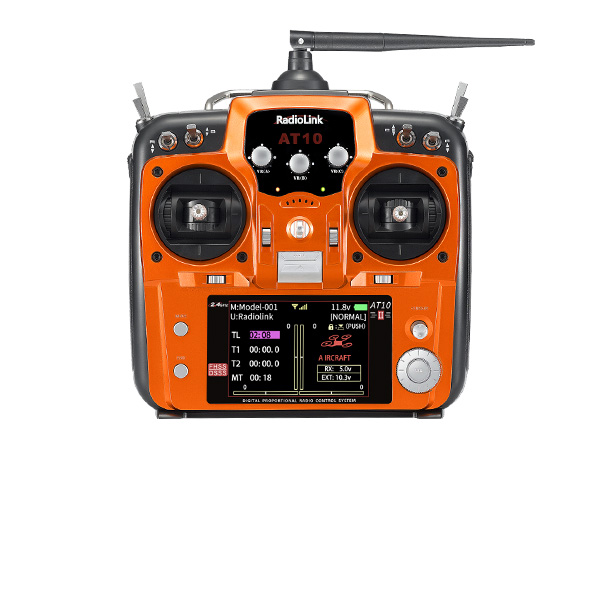
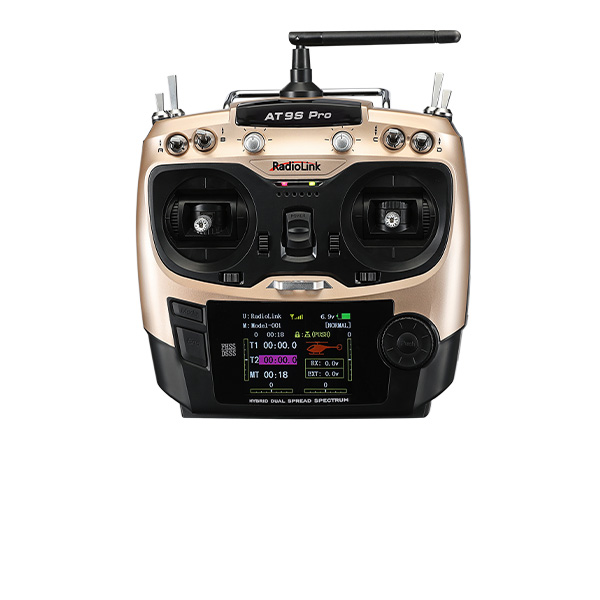
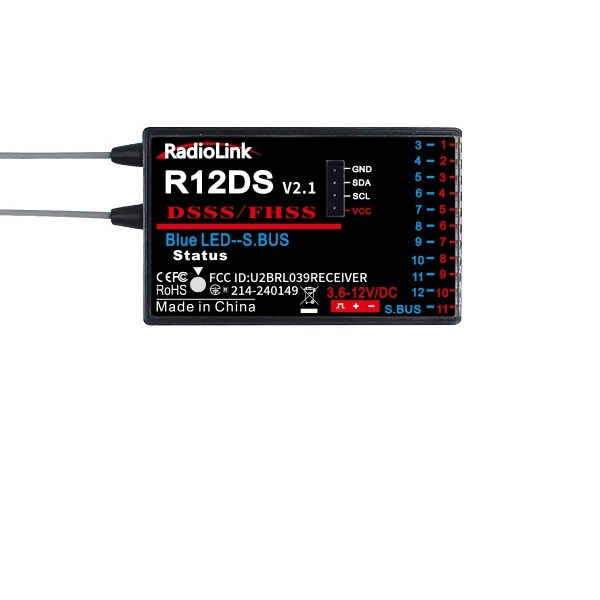
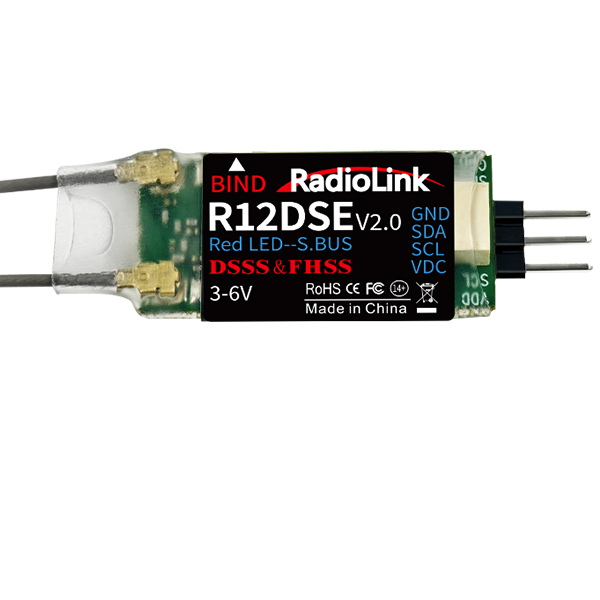
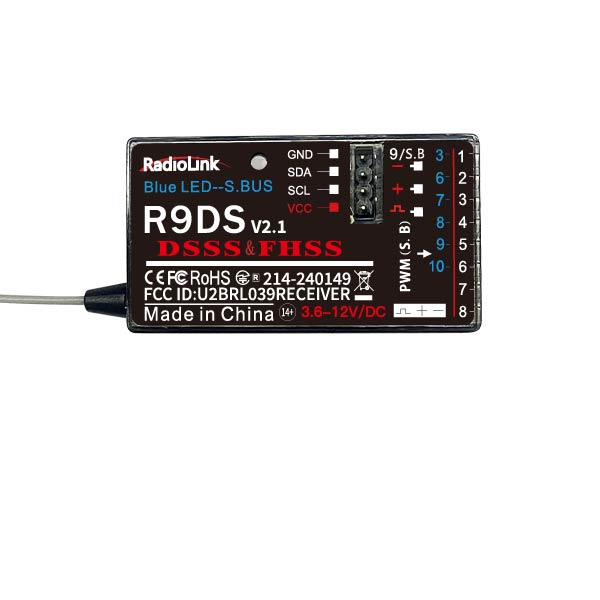
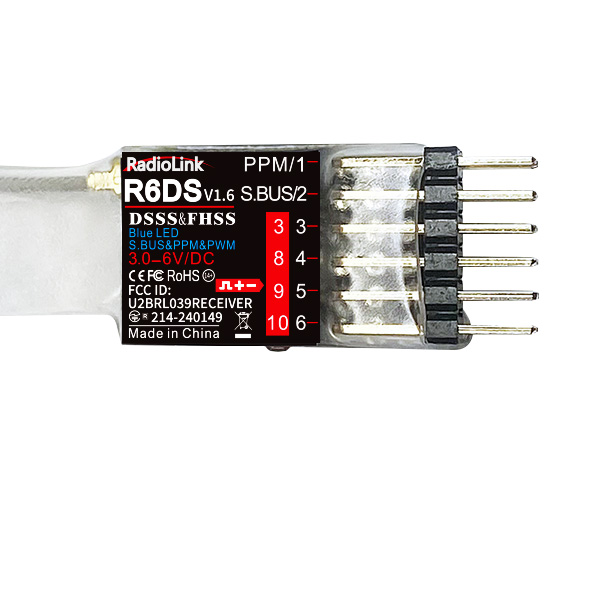
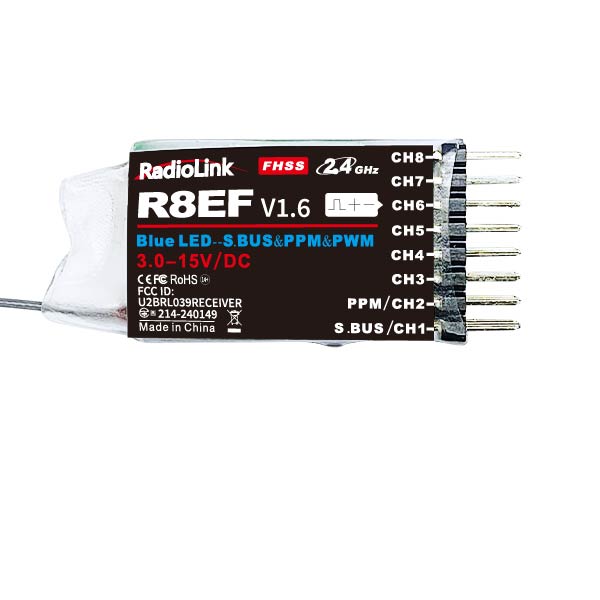
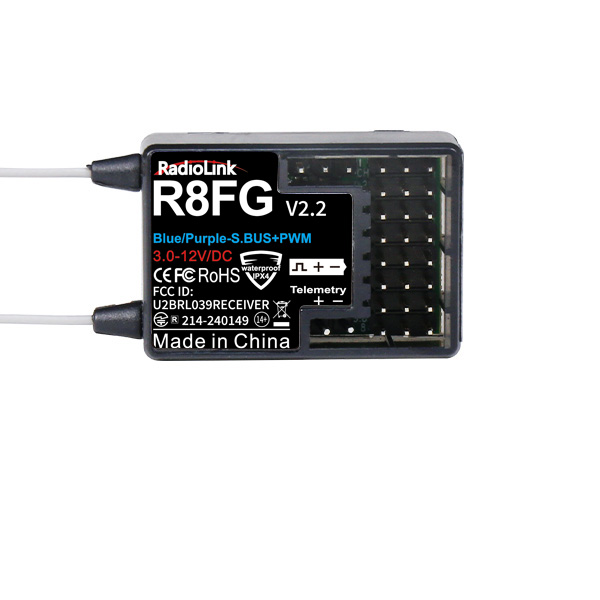
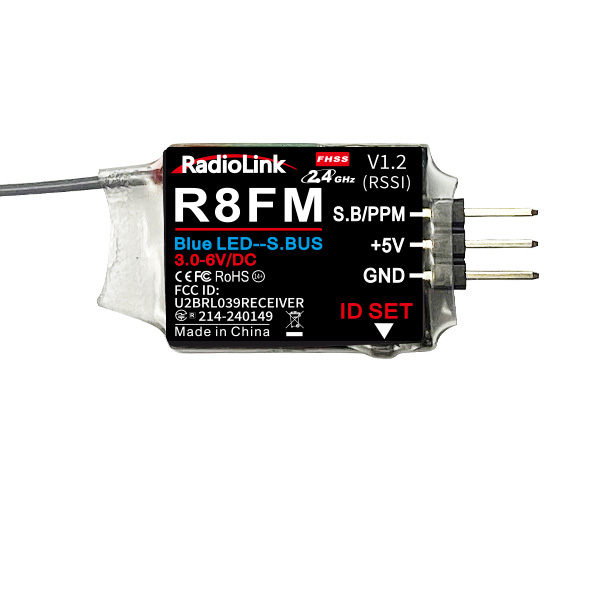
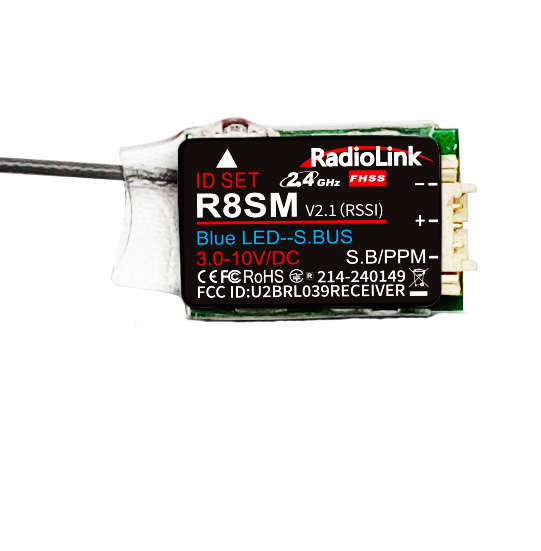
Receivers - compatible with AT10II, AT10, AT9S Pro, AT9S, AT9
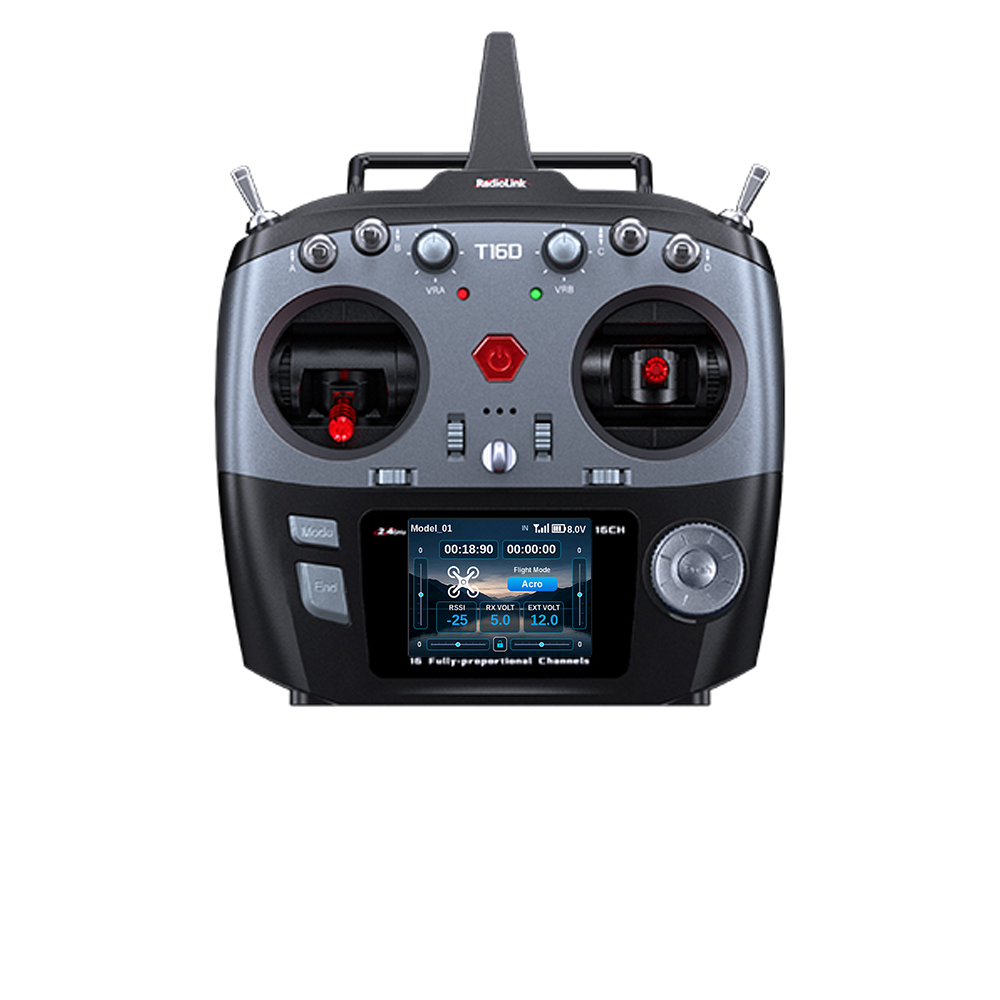
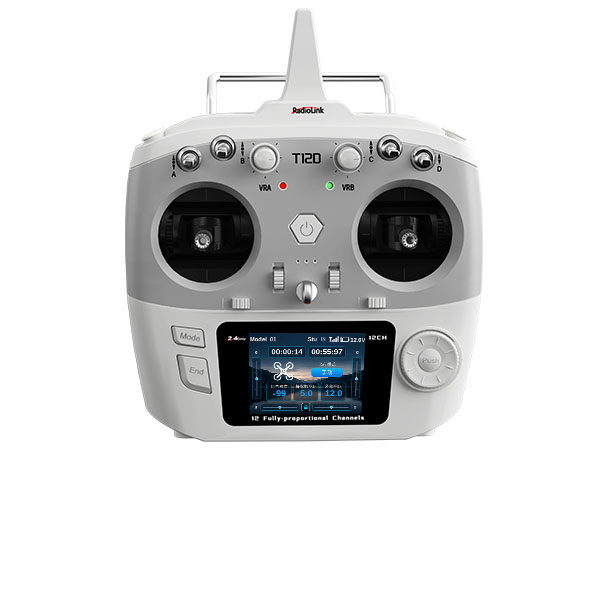
Receivers - T16D, T12D, T8FB, T8S; RC8X, RC8P, RC6GS V3, RC4GS V3, RC6GS V2, RC6GS, RC4GS V2, RC4GS
Telemetry Module
ELRS Receiver
NEW
 简体中文
 English
RC8P Firmware
(Please upgrade using Windows 7,8,10,11 or XP, or upgrade using an Apple MAC computer)
Latest Firmware
Update Notes:
V1.0.5 (2026.9.5)
Add a manual QR code to the system settings interface.
V1.0.4 (2026.9.2)
The receiver voltage limit has been raised to 25.5V for broader compatibility.
Voltage readings on the screen are now more stable and accurate.
V1.0.3 (2026.8.7)
Added a light control settings interface; with FHSS V2, you can now set light effects: double flash, strobe, and breathing.
Updated model reset to read from the sys model.
V1.0.2 (2026.7.30)
Added multi-language support.
Optimized battery voltage display at the top of the LCD screen.
RC8P Firmware Update Steps:
① Connect the RC8P to your computer using a USB cable. Press the transmitter’s Power and Back buttons simultaneously to enter the BOOT screen. Scroll the wheel to select USB so that your computer can recognize the transmitter.
② Once connected, the RC8P USB drive will appear on your computer. Open it and double-click the Firmware folder. Delete the old firmware, then copy the downloaded latest firmware into this folder.
③ After copying the firmware, press EXIT on the transmitter to return to the BOOT screen, then select UPG. The detected firmware version will appear. Check that it is the latest version, then press the confirmation button. Wait until the progress bar reaches 100%, disconnect the USB cable, and restart the RC8P to complete the upgrade.