




 简体中文
简体中文 English
搜索结果建议
快速链接

1. Download and install Mission Planner
(1) Latest Mission Planner from ArduPilot
Attention: If you can not download the files when clicked above, please click the website below to download the files you need.
Mission Planner: http://www.radiolink.com.cn/firmware/MissionPlanner/
(2) Latest Mission Planner from RadioLink
2025-03-06
ArduPilot Mission Planner and Latest Firmware
2. Latest Firmware
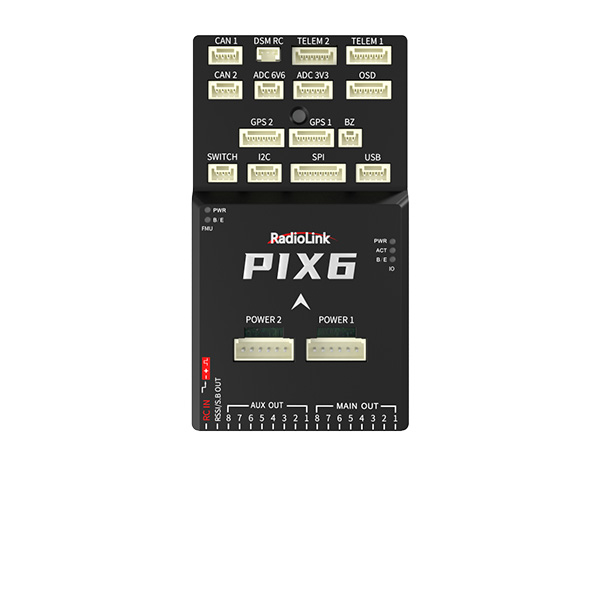
① The PIX6 is default with Multicopter Firmware.
② Do not support the open-source firmware versions 4.5 and the versions before 4.5.
③ Download links for the firmware of each model.
Multicopter: https://firmware.ardupilot.org/Copter/stable/RadiolinkPIX6/arducopter.apj
Helicopter: https://firmware.ardupilot.org/Copter/stable/RadiolinkPIX6-heli/arducopter-heli.apj
Airplane: https://firmware.ardupilot.org/Plane/stable/RadiolinkPIX6/arduplane.apj
Car and boat: https://firmware.ardupilot.org/Rover/stable/RadiolinkPIX6/ardurover.apj
Antenna Tracker: https://firmware.ardupilot.org/AntennaTracker/stable/RadiolinkPIX6/antennatracker.apj





 简体中文
简体中文- English